AI video editor for business — what they do, costs, and whether to hire

Log onto LinkedIn and you will see a recurring pattern: dozens of companies advertising for an "AI Video Editor", and hundreds of candidates adding the title to their headline. From a CEO or marketing director’s perspective, the pitch is seductive: hire one person, hand them a few AI subscriptions, and suddenly your channels are flooded with 40 Reels and Shorts a month at a fraction of your previous budget.
In reality, most of these hires end in disappointment, brand confusion, and deliverables that look like generic social media spam.
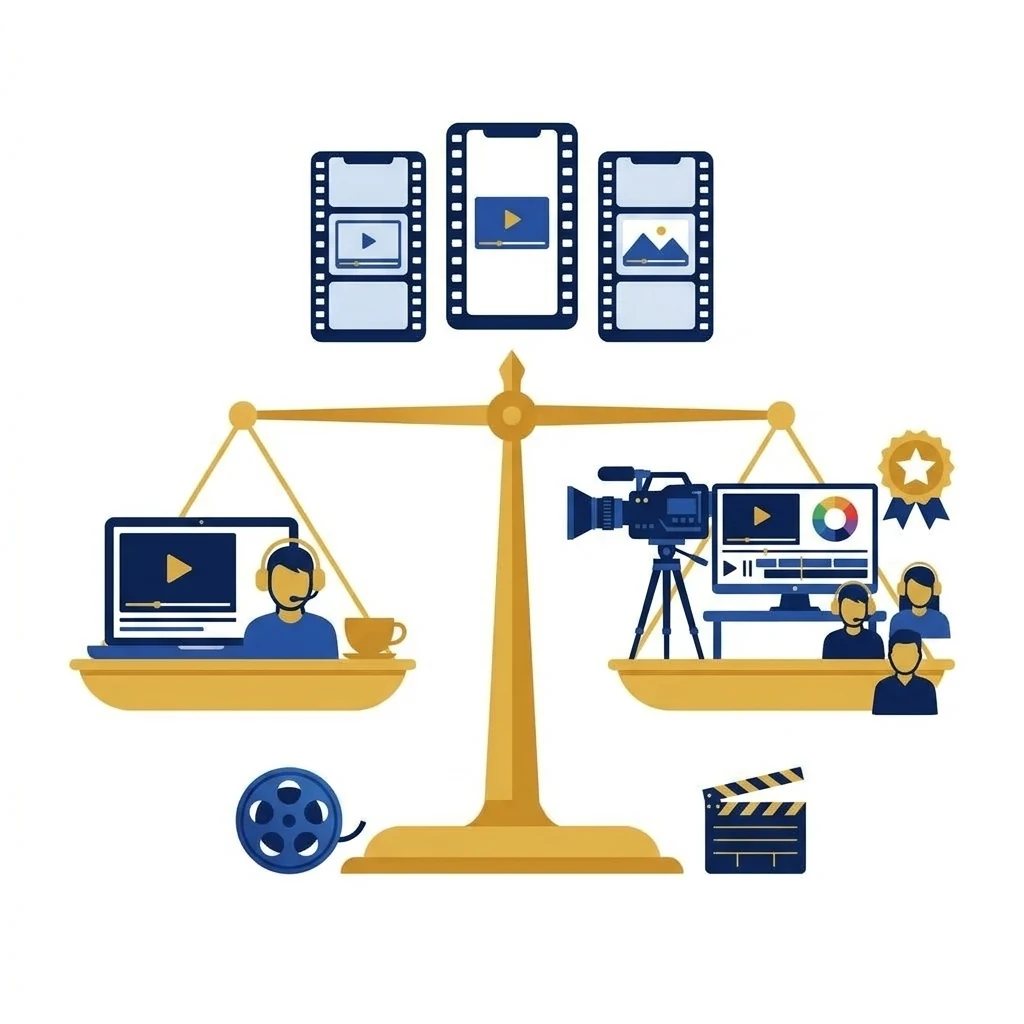
Below we break the AI Video Editor role down into its constituent parts: what they actually do day-to-day, what an in-house seat really costs, and when hiring in-house makes sense versus partnering with an established production studio.
💡 Key Takeaways (TL;DR)
- An AI Video Editor is not a one-click wizard, but an editor using machine learning to accelerate rough cuts, subtitles, and multi-format crops.
- Even the best AI software cannot replace strong direction, a solid script, or high-grade footage captured on a professional shoot.
- The total cost of an in-house seat with hardware and software easily exceeds a monthly agency retainer, while carrying serious brand consistency risks.
What does an AI Video Editor actually do?
Plenty of myths surround the term. An AI Video Editor is not a developer, nor are they someone typing a text prompt into an image generator to produce an entire corporate film.
In 2026, the title refers to an editor who speeds up traditional post-production using machine learning workflows:
- Text-based video editing — cutting footage directly from a generated transcript (removing pauses, filler words, and repetitions in a single click).
- Automated highlight detection — spotting potential hooks and memorable quotes across long-form talks, podcasts, or webinars.
- Automated caption styling — generating dynamic on-screen subtitles styled for sound-off social feeds.
- Smart reframing — tracking subjects and cropping horizontal 16:9 footage into vertical 9:16 for Reels, TikTok, and YouTube Shorts.
- AI audio clean-up — isolating voice tracks and removing room reverb or ambient factory hum in seconds.
To see which applications actually deliver in production, check out our guide to AI video editing tools for business.
Where "magical AI" falls short
The common executive mistake is assuming AI tools solve a lack of film concept. Artificial intelligence accelerates execution; it does not replace editorial judgment.
Here is what an AI Video Editor without a production crew cannot do:
- Fix poor raw footage — if the source video has flat lighting, muffled audio, or an executive delivering lines without energy, no algorithm can turn it into engaging video.
- Protect your brand identity — consumer AI editing apps rely on identical, hyper-aggressive presets (yellow cartoon subtitles, meme zooms, sound effects) that fit a teenage creator but damage the credibility of a B2B tech firm, law practice, or manufacturer.
- Direct on set — AI cannot coach a speaker, ask insightful follow-up questions during an interview, or frame shots that build boardroom authority.
We explore what separates high-retention video from throwaway social cuts in our guide to Reels, Shorts and vertical video editing.
What an in-house AI Video Editor costs vs an external studio
Companies rarely tally the true cost of an internal hire. For an editor to be productive, you need much more than just a salary:
- Base salary: €1,500 to €2,500+ net per month for mid-level editing talent in Central Europe.
- Hardware workstation: a dedicated video workstation with a powerful GPU capable of local AI model inference (€2,500–€3,500 one-off).
- Software licenses: professional seats for Premiere/After Effects, Descript, RunWay, speech enhancement, and caption suites (€150–€300 monthly).
- Downtime and management: paid leave, sick days, and weeks where the editor has nothing to cut because nobody organised a shoot.
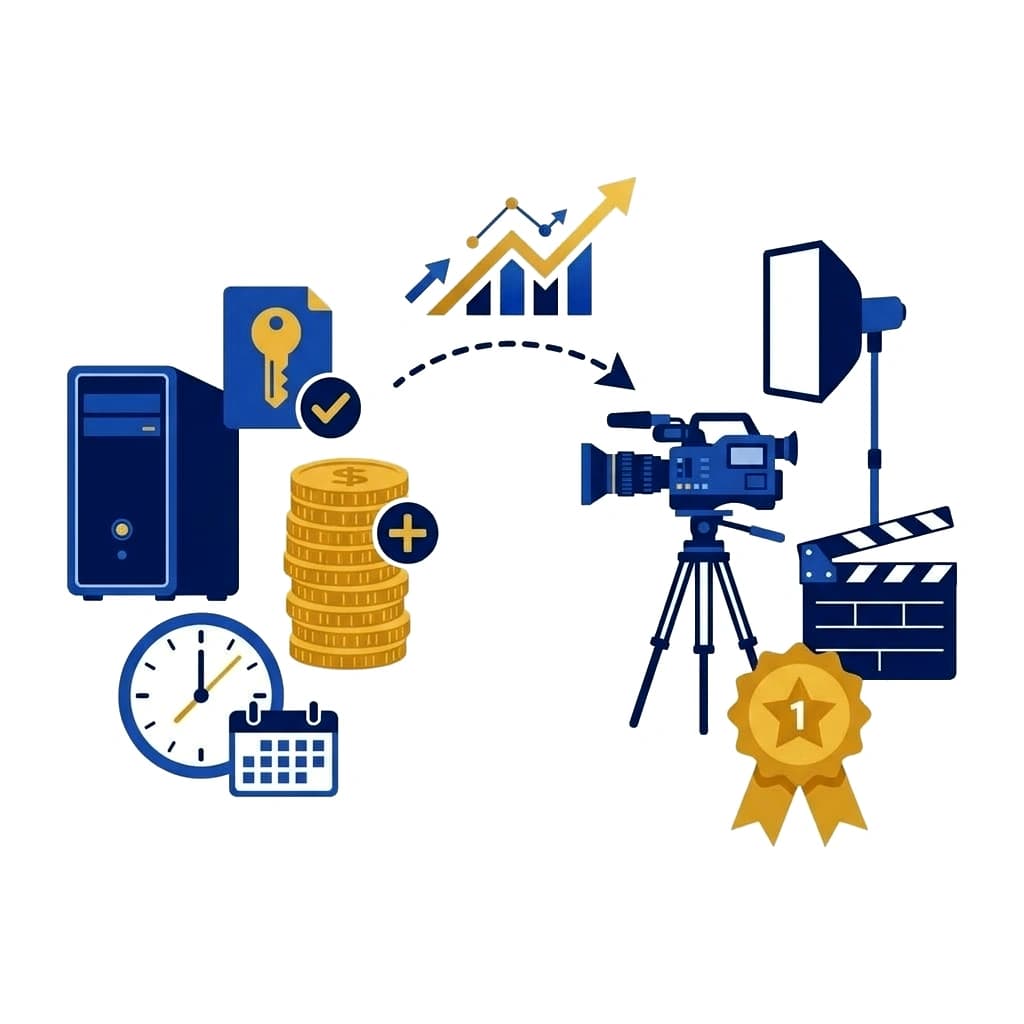
All in, an internal seat easily runs past €30,000–€40,000 annually — and you still do not have a director of photography, cinema camera, or lighting kit to capture fresh material.
By comparison, working with an established production house gives you an integrated pipeline: professional shooting days on cinema gear, creative direction, and AI-accelerated editing. See how a structured video content for companies retainer operates.
When to hire an AI Video Editor vs hiring a production studio
| Scenario | Recommended choice | Rationale | |---|---|---| | You have hundreds of hours of existing recordings (webinars, podcasts) needing simple cuts | In-house AI Editor / Freelancer | The workflow is repetitive and does not require on-set filming. | | You are building a premium B2B brand and brand reputation is paramount | Production Studio | Cinematography, color grading, sound design, and credibility matter more than volume alone. | | You have no cameras, studio lights, or on-set directing experience | Production Studio | An editor cannot shoot footage; you need a crew that handles the filming day. | | You want to test short-form video on a shoestring budget | Freelancer | See our breakdown of freelance editors vs production companies before deciding. |
Conclusion — how to approach AI video sensibly
AI editing tools are transforming post-production, and at Sema Studio we leverage them every day so our clients receive assets faster and more cost-effectively. But we view AI as a precision chisel in the hands of an experienced craftsman, not a replacement for cinema craft.
Before posting a job ad for an AI Video Editor, ask yourself: do you already have a steady stream of compelling, high-quality footage for them to edit? If not, start by building your production foundation.
FAQ — AI video editors for business
Frequently Asked Questions (FAQ)
Can an AI Video Editor generate business videos completely from scratch without filming?
They can generate synthetic videos using AI avatars or stock b-roll, but in B2B markets this looks robotic and undermines trust. The highest-converting assets combine genuine on-location footage with AI-accelerated editing.
What skills should a strong AI Video Editor possess?
Core filmmaking fundamentals (pacing, retention, narrative flow, color harmony) paired with practical mastery of text-based editing, speech separation, and adaptive formatting tools.
Do AI tools reduce video editing costs for companies?
Yes. Automating transcriptions, rough cuts, and captions cuts post-production turnaround by up to 40%, allowing studios to deliver more finished assets within the same budget.
Should we train our existing marketing team on AI video software instead of hiring?
For quick internal updates, yes. For client-facing marketing and sales videos, partnering with a dedicated studio is far safer, as software alone cannot replace editorial and cinematography experience.
Looking for consistent video content without payroll overhead?
At Sema Studio, we combine the efficiency of modern AI tools with broadcast-level cinematography and creative direction. Review our Reels editing pricing and content packages or reach out via the Briefing Room to discuss a tailored video workflow for your company.